 SynthMaker
Presses are messages
A button on a face sends messages, and the wires say where they go. Here is what a press sends, and what lights a pad.

1A button's three outputs
| Output | Sends |
|---|---|
action | a tap, when the press ends, as SwiftUI's Button(action:) |
onPressingChanged | on at the press, off at the release |
perform | a tap, once the press has lasted minimumDuration (at the press, when that's 0) |
The last two come with SwiftUI's press gesture, .onLongPressGesture(minimumDuration:), from the face editor's modifiers. The editor offers it with minimumDuration: 0, so a pad plays the moment it's touched; SwiftUI's own default, when the line leaves it out, is half a second.
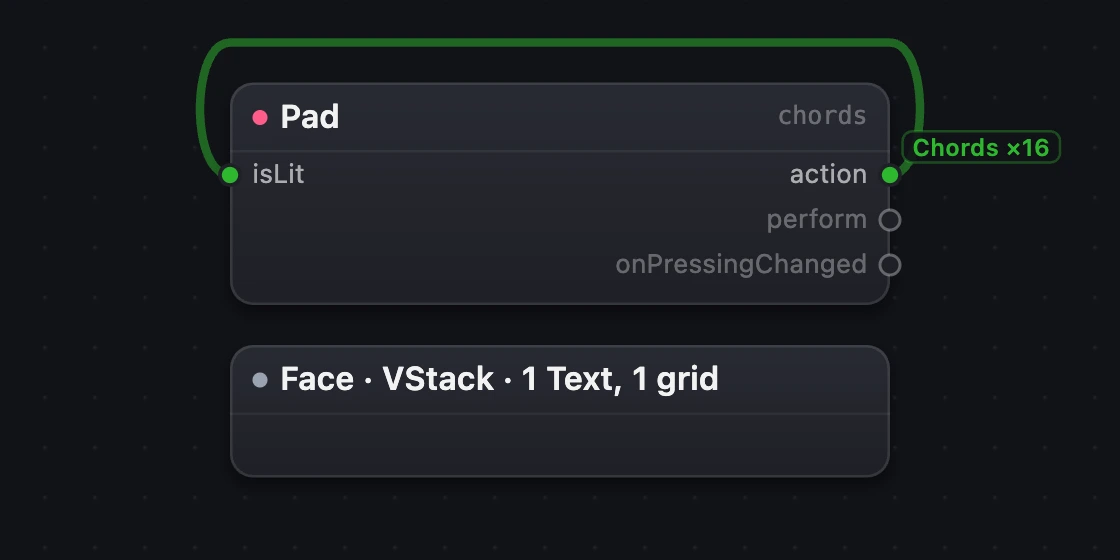
- The Pad.
- Its light,
isLit. - Its three outputs.
2What a message does
- A Note or a Chord plays while it's on, and stops at off. A tap plays a short note. Wired into a Track, it plays on that track's sound.
- A Track starts or stops a track of the song; the Transport starts or stops the song. On starts, off stops, a tap toggles.
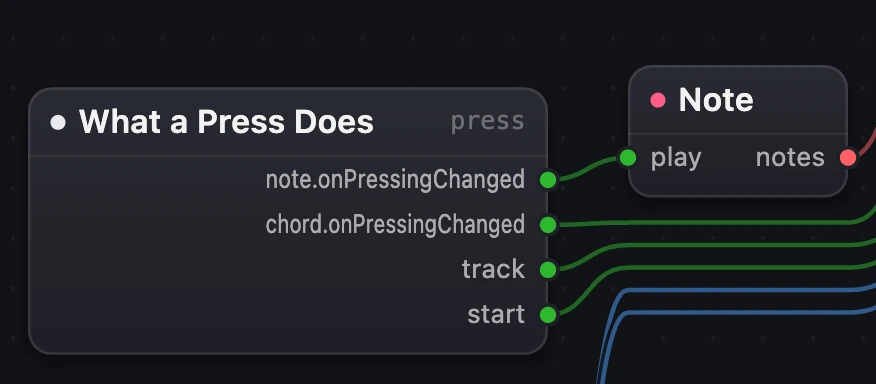
- The message wire.
- The Note.
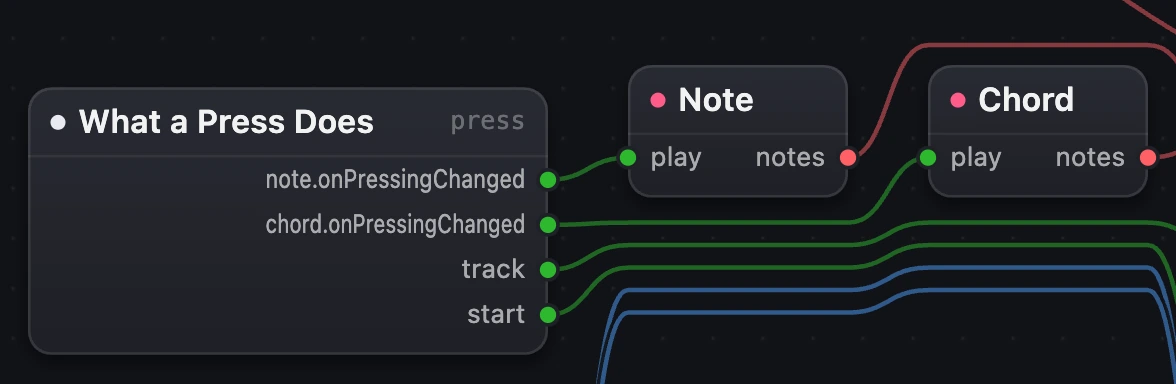
- The message wire.
- The Chord.
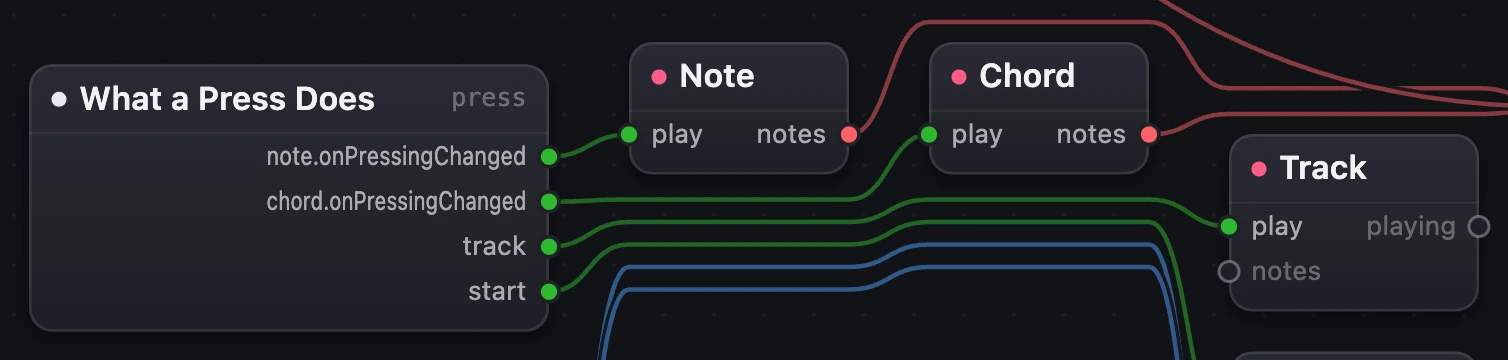
- The message wire.
- The Track.
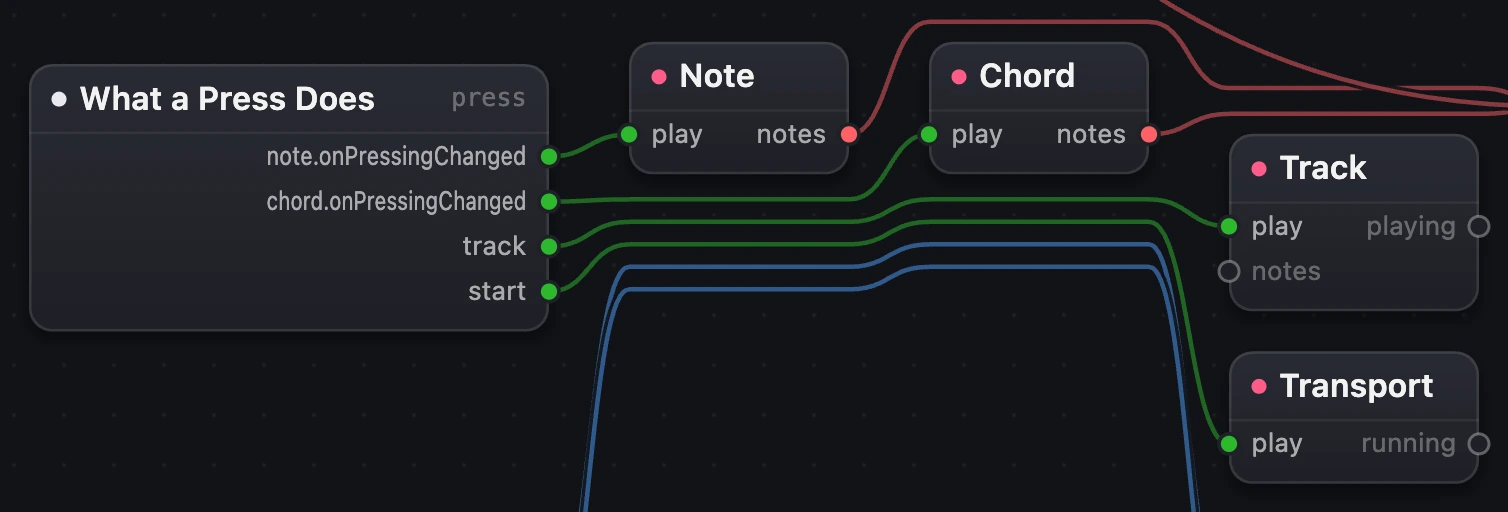
- The message wire.
- The Transport.

3What lights a pad
A pad's light is its Pad's input, isLit:
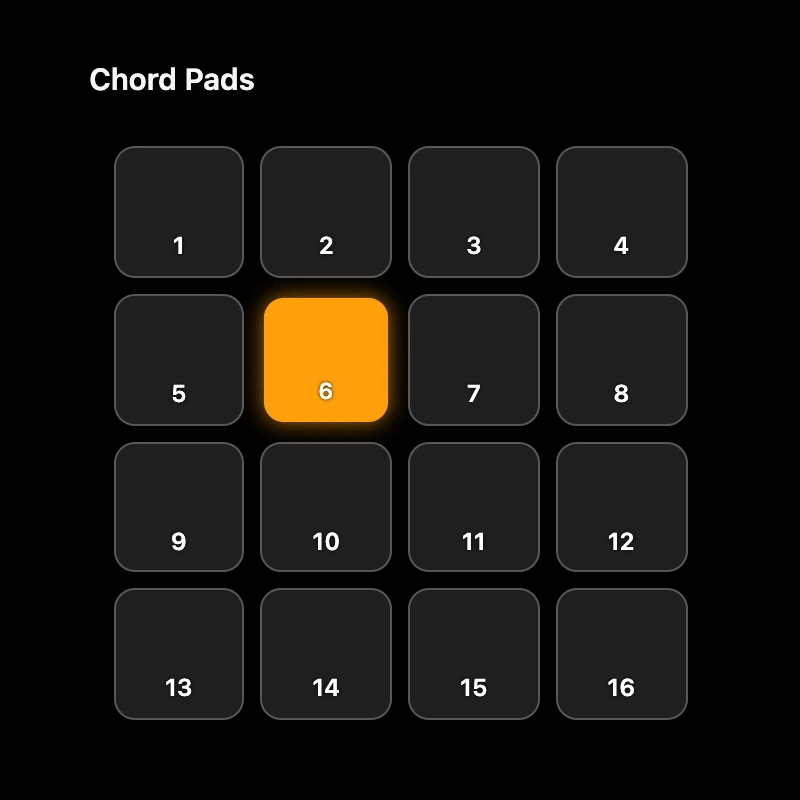
isLit: a tap switches it on, the next off.
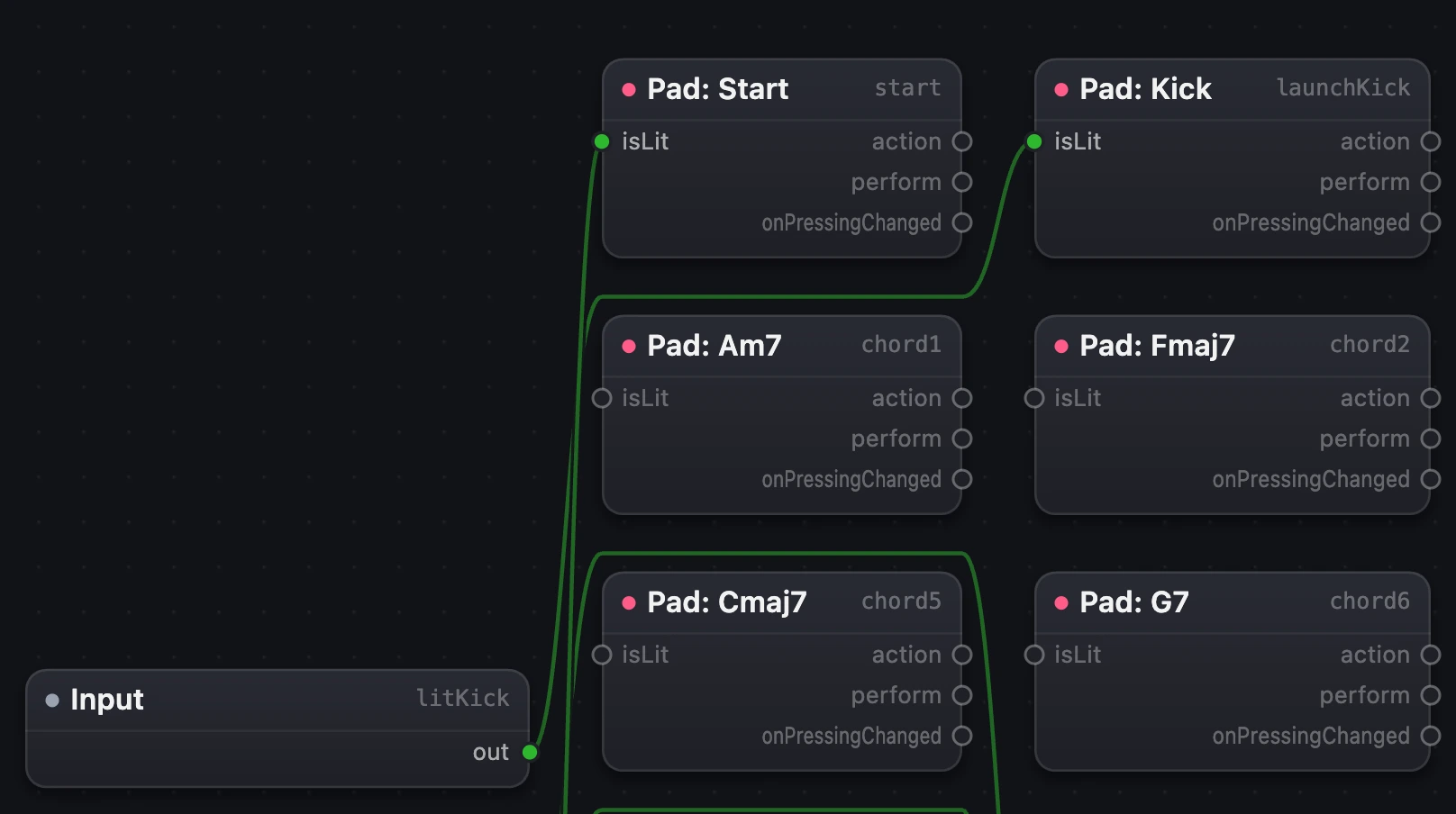
playing, through the module's Input, into isLit: lit while its track plays. From the Groovebox Jam song.
One pad, or all of them
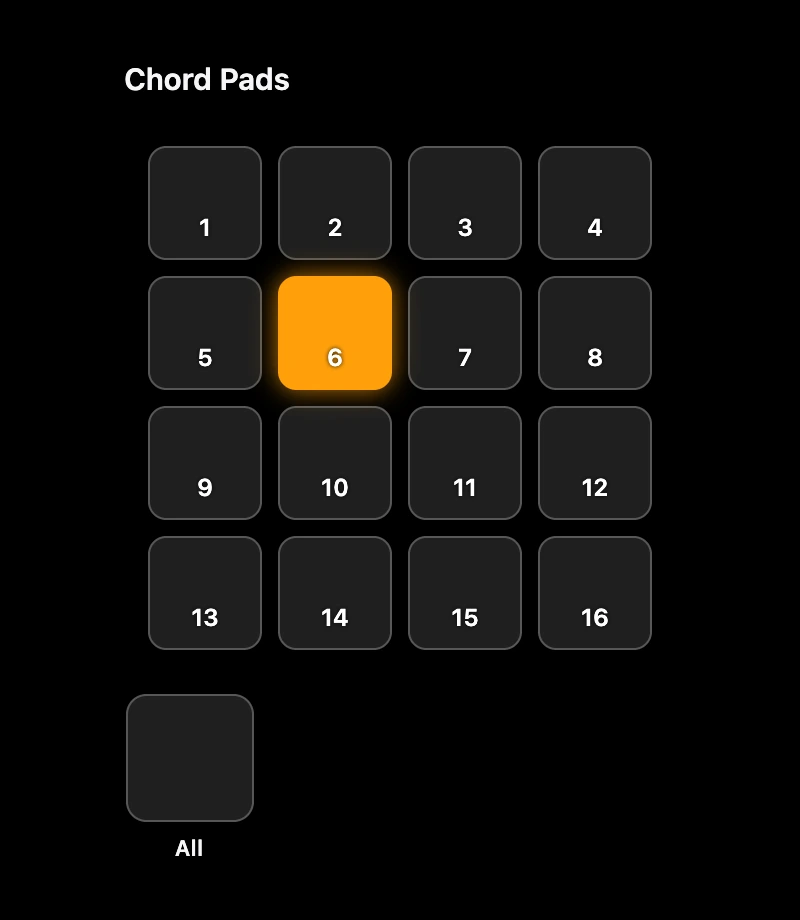
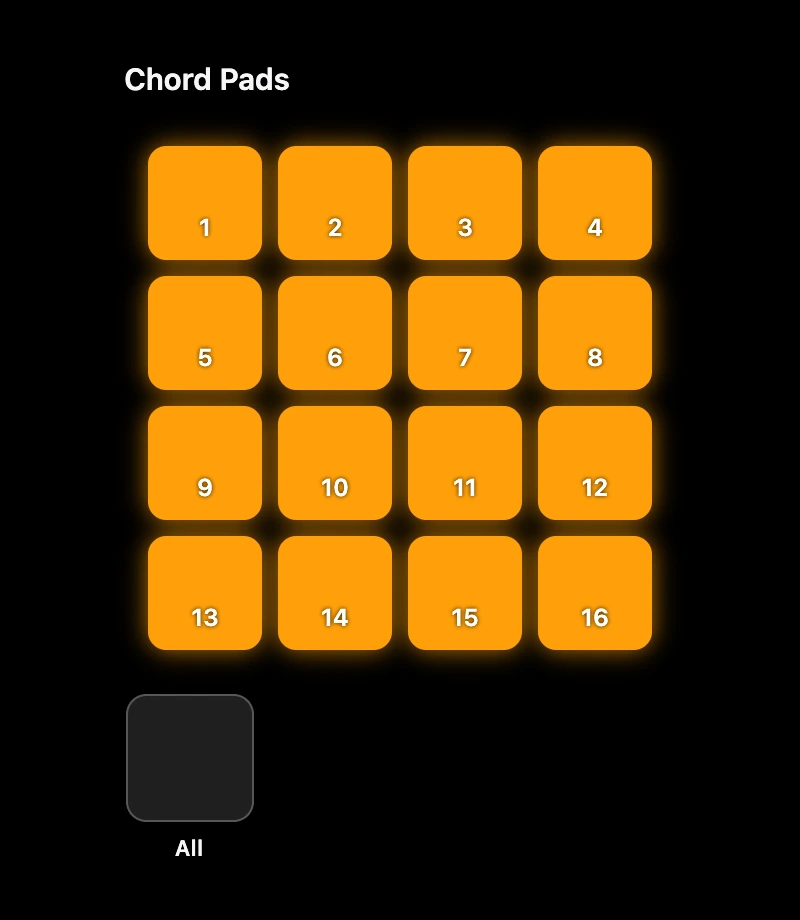
In a grid, a message carrying a tag lights only the pad with that tag: on lights, off darkens, a tap toggles. A message without one does it to every pad. Here a tap on pad 6 (tagged) switches only pad 6; a tap on All, a single button wired into the grid's isLit, switches every pad.

4Pads that stay lit
The same pads with the Pad's action wired into its own isLit. Tap a pad to switch its light on, tap again to switch it off; the chord still plays only while you hold it.

Remember
actiontaps when the press ends; with the press gesture,onPressingChangedis on while held andperformtaps afterminimumDuration.- Notes and Chords play while on; Tracks and the Transport start on, stop off, toggle on a tap.
- A pad's light is
isLit: held, toggled by its own action, or the real state of a track or the song.